What Your Users Will See
The integration is invisible to your users: they redirect out and come back with a code, exactly as in any OIDC login. What happens in between is an iProov-hosted, browser-based face verification. Walking through it once helps you set expectations and write your own supporting copy.
The Flow, Step by Step
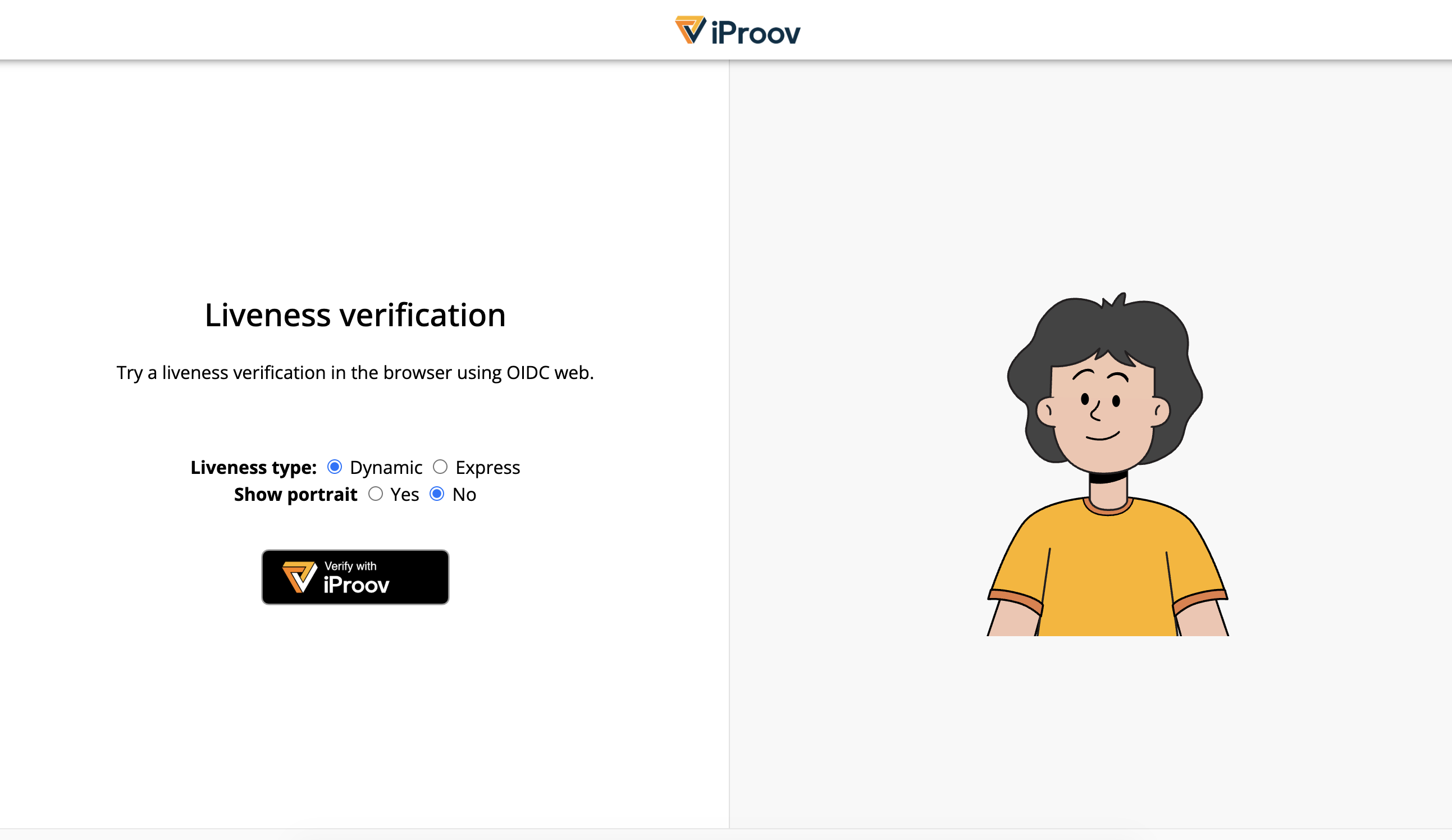
1. Launch. The user starts from your application. Choosing to verify redirects the browser to OIDC Web.
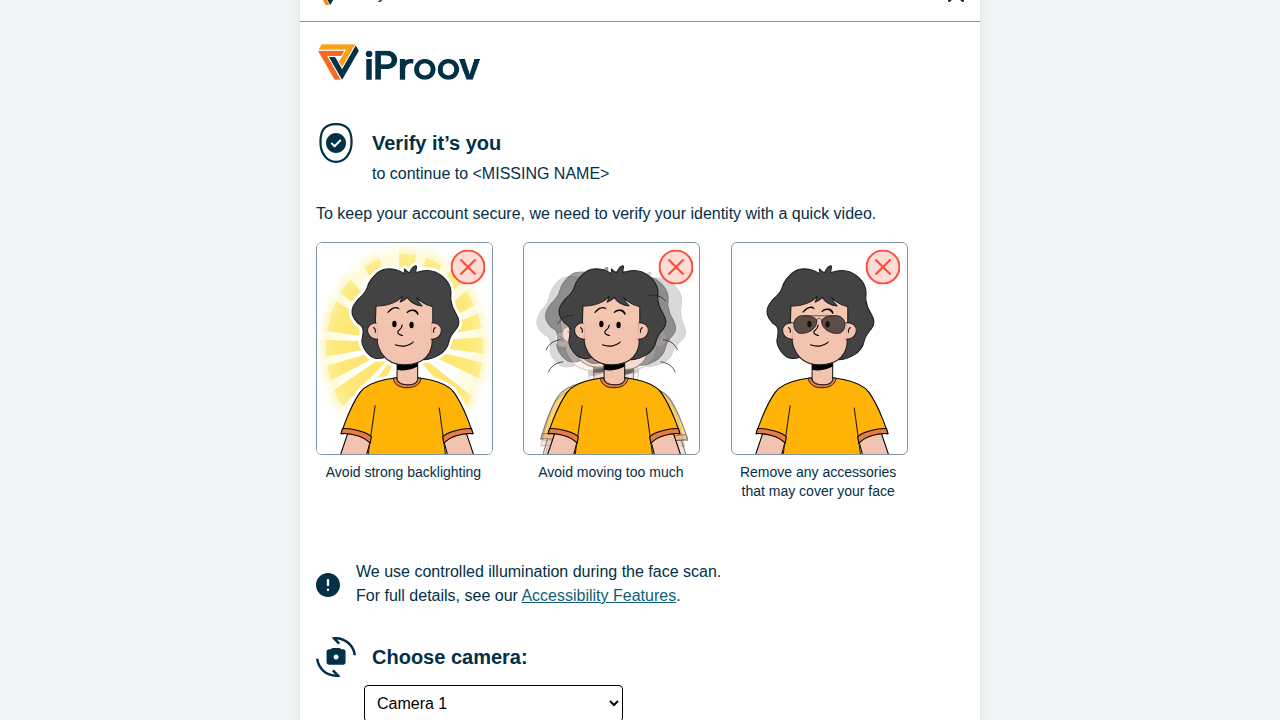
2. Ready view. OIDC Web opens with a short "Verify it's you" screen: who the verification is for, a few preparation tips (avoid strong backlighting, don't move too much, remove anything covering your face), a photosensitivity notice for Dynamic Liveness (which briefly illuminates the screen), and a camera picker. The on-screen text is localized.
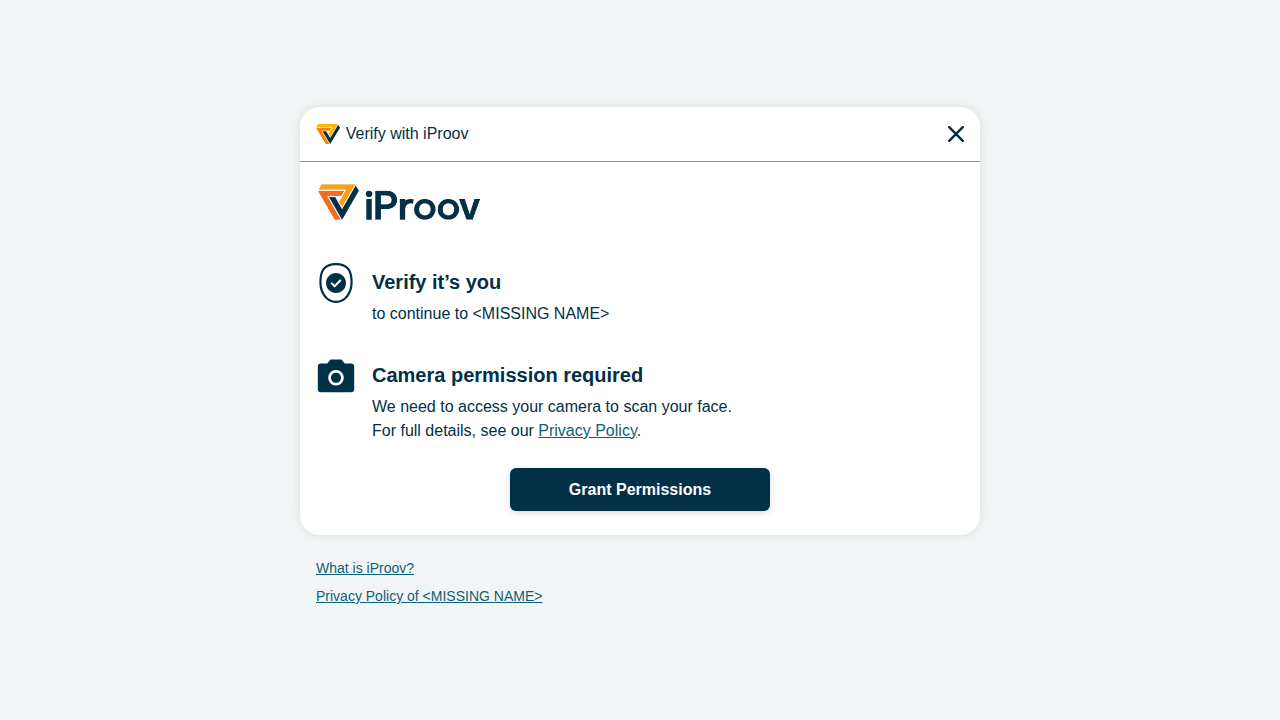
3. Camera permission. The browser asks for camera access; the user grants it once.
4. The face scan. The user is taken into the iProov capture itself — a brief, screen-illuminated scan for Dynamic Liveness, or a lighter capture for Express Liveness.
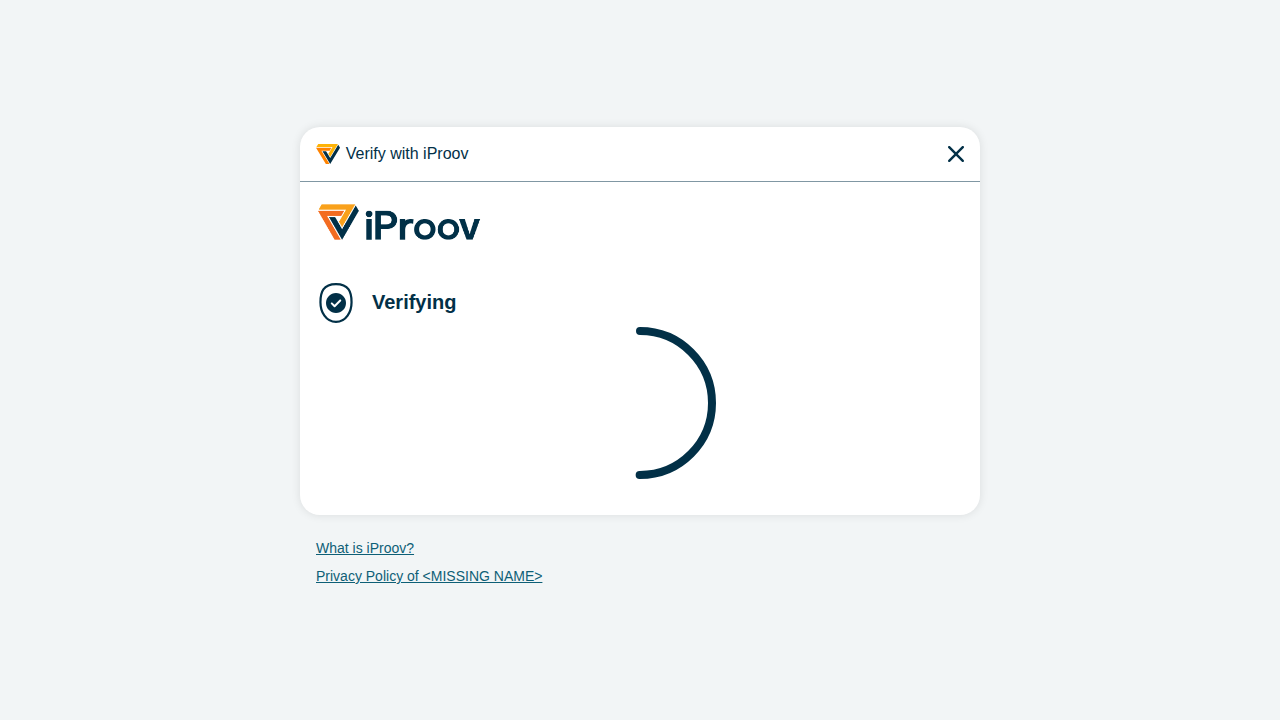
5. Verifying. A short progress screen shows while iProov completes the verification.
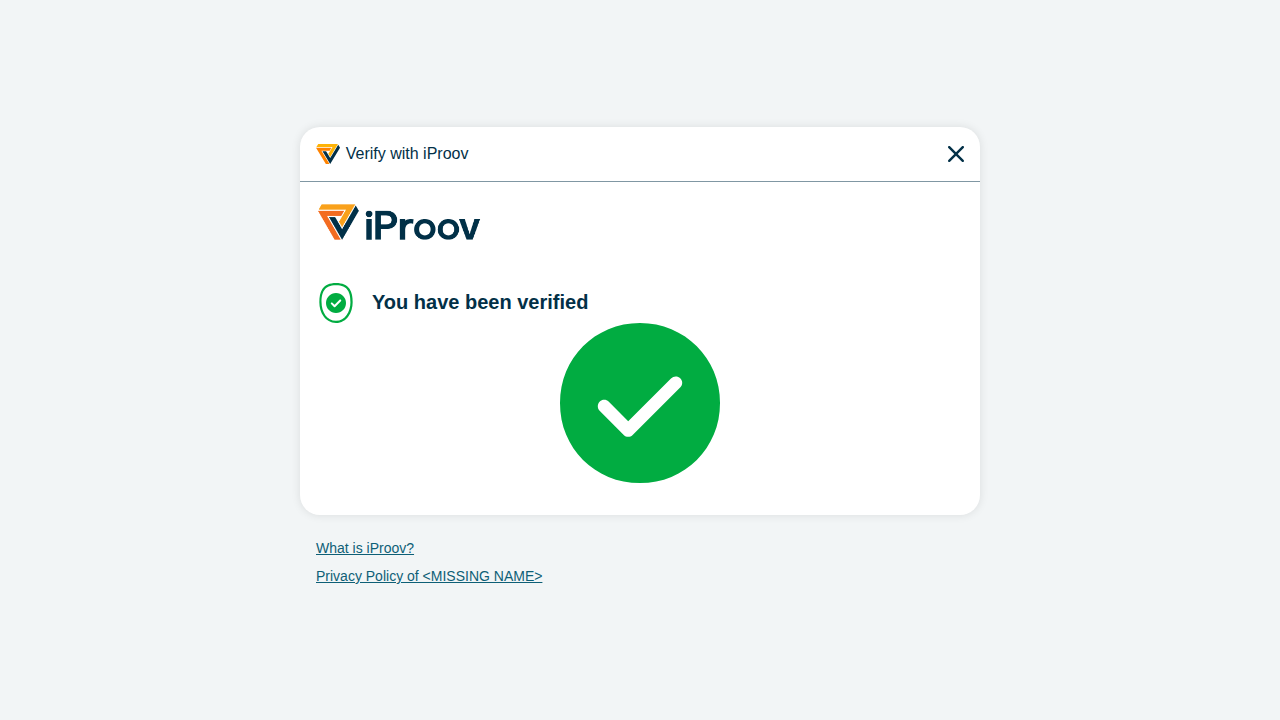
6. Result. On success the user sees a confirmation and is redirected straight back to your redirect_uri with the authorization code — no app to install, no password to remember.
When Something Goes Wrong
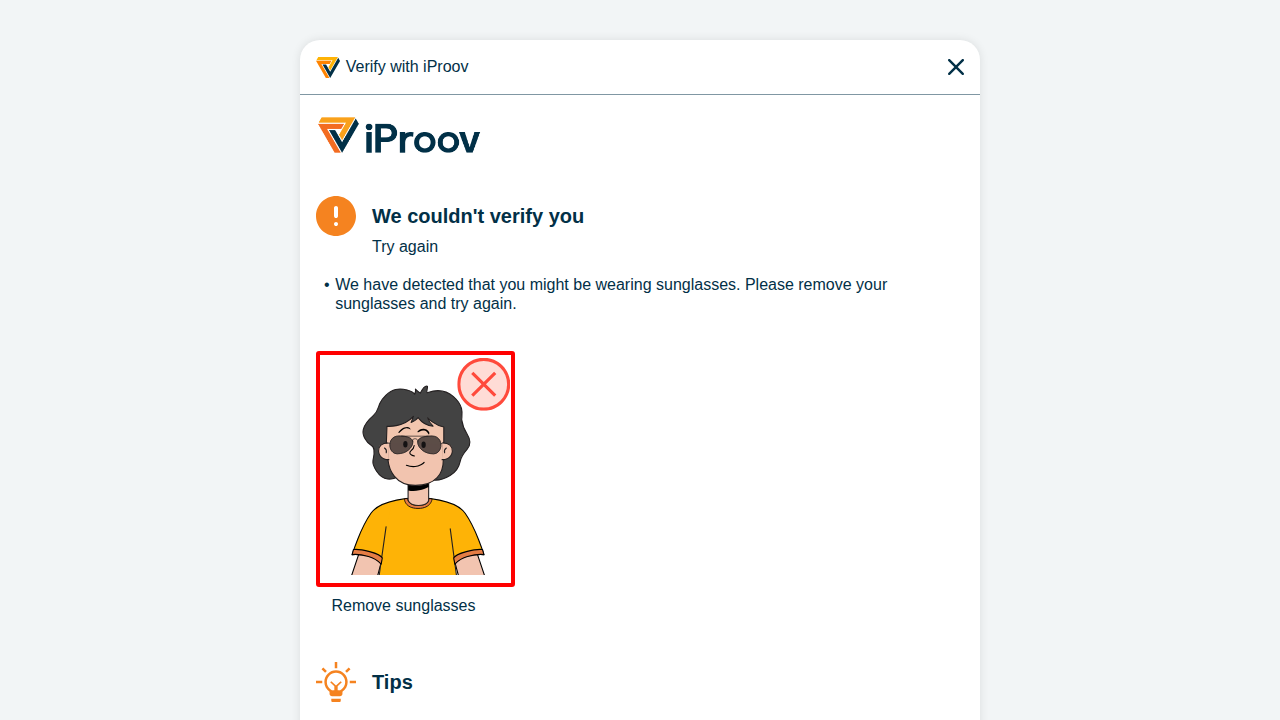
If a scan doesn't pass, OIDC Web tells the user why and lets them retry — up to 3 attempts per login request (see Reading the Result). The reasons are specific and actionable — for example "remove your sunglasses", face too close or too far, too much movement, or lighting too bright or too dark.
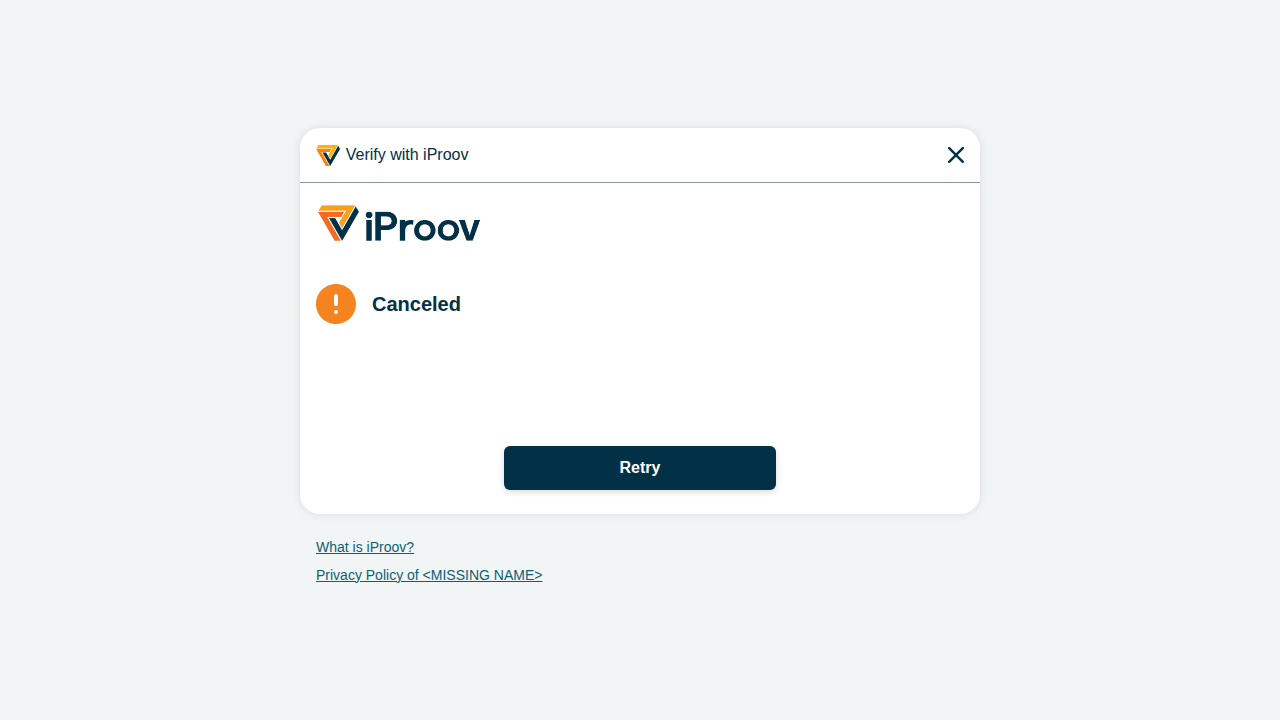
If the user cancels, they see a Canceled screen with a retry option.
After the third failure — or if the user cancels for good — the browser returns to your redirect_uri with a standard OIDC error response instead of a code (see Common Errors). Your application then applies its own policy: issue a fresh login (granting new attempts), fall back to another factor, or lock the account.
From your application's perspective, none of this changes the integration. You redirect out, and the user comes back to your redirect_uri with an authorization code (on success) or an error (on failure), exactly as in any OIDC login.